
Welcome to the Learning Center
Getting Started & Core Concepts
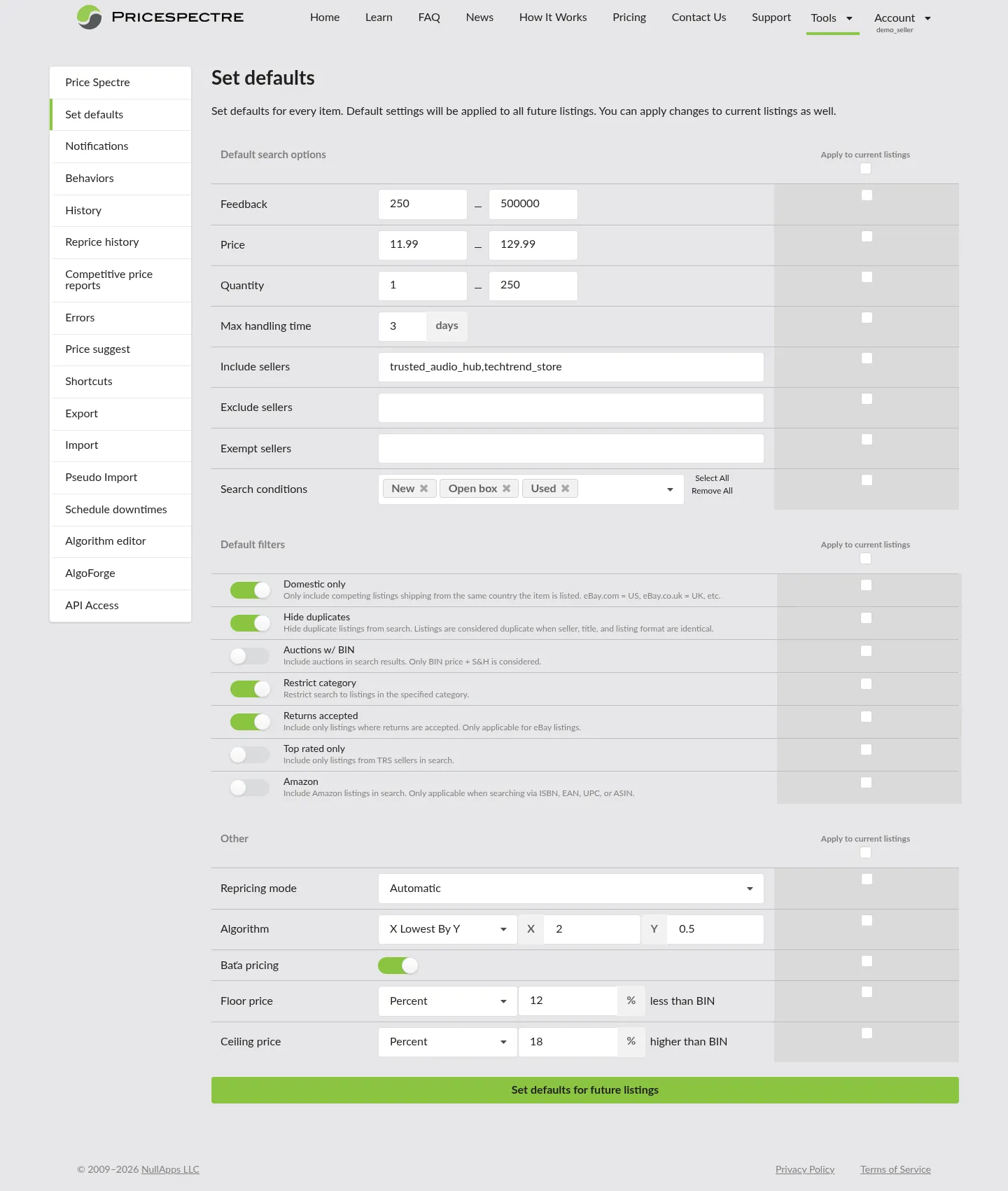
Account And Listing Defaults
Learn how to configure Price Spectre's account-wide defaults so every new listing inherits the right floor, ceiling, algorithm, search filters, and repricing mode. Covers the Set Defaults page and how to apply changes to existing listings.
Read Guide →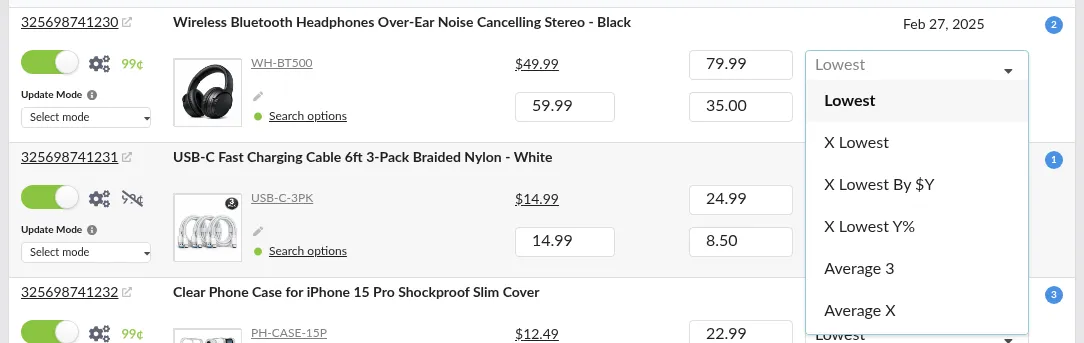
Built In Algorithms Catalog
A one-page reference to every built-in Price Spectre repricing algorithm. Covers Lowest, X Lowest, X Lowest By $Y, X Lowest Y%, Average 3, Average X, Average X Y%, Lowest By X% $Y, $X Domestic $Y Int., Amazon +X% eBay -$Y, Discount X Days $Y, Discount X Days Y%, Elastic, and the premium Page #1 algorithm, with parameters, examples, and when to use each.
Read Guide →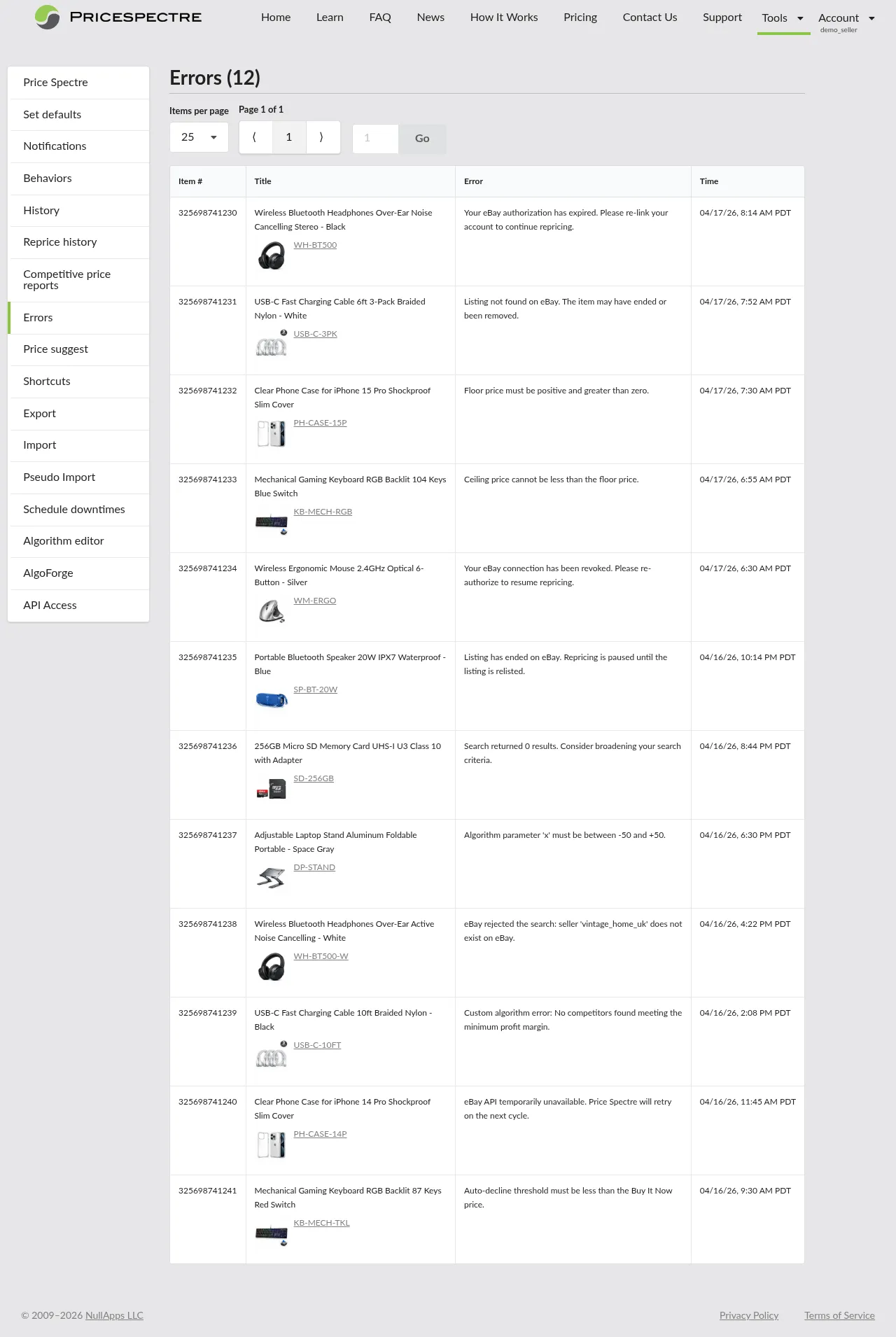
Errors And Troubleshooting
Learn how to use the Price Spectre Errors page to diagnose listing and repricing problems. Covers common error categories, resolution steps, and a systematic troubleshooting workflow.
Read Guide →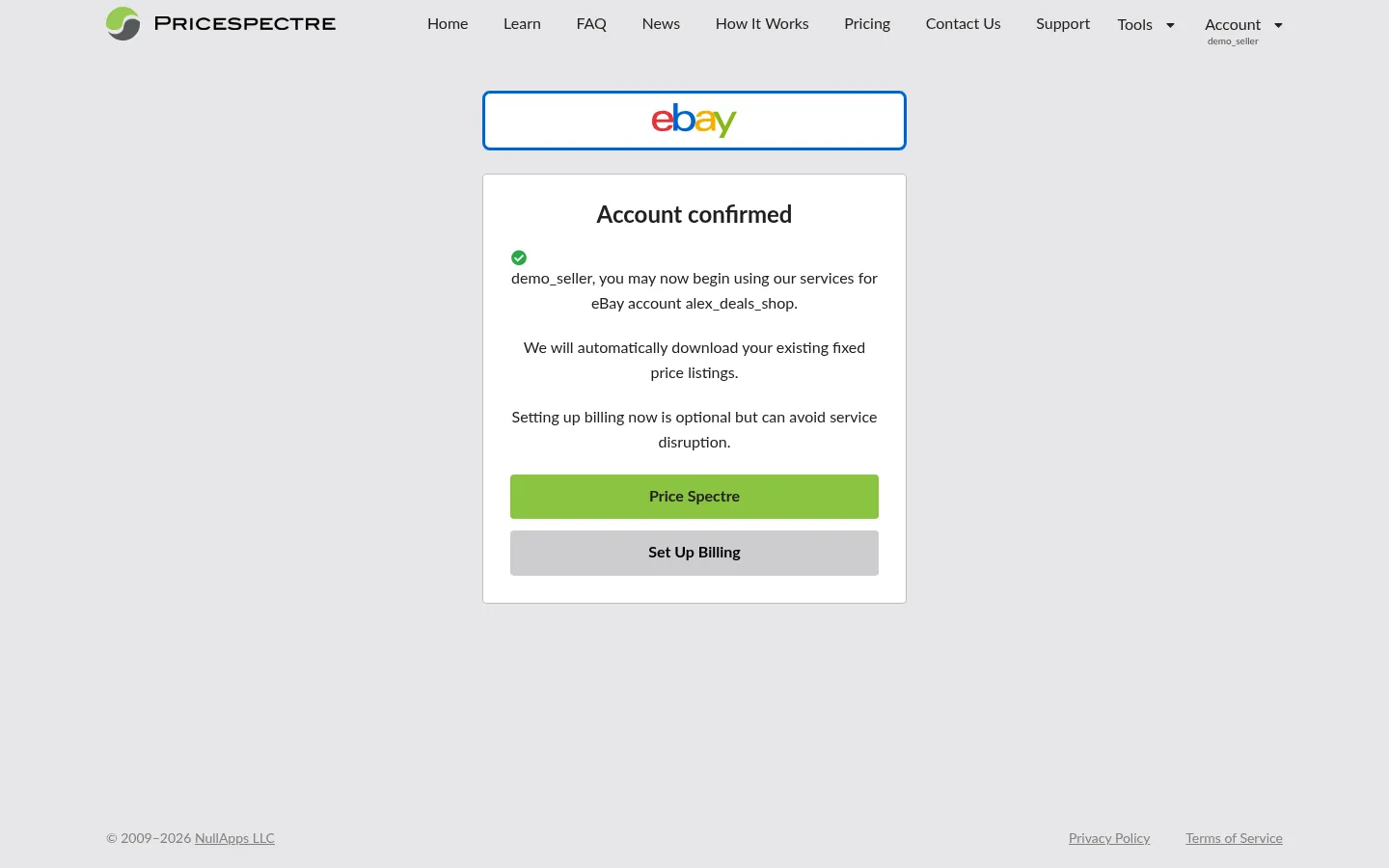
Linking And Managing Ebay Accounts
Learn how to link your eBay seller account to Price Spectre, reauthorize expired connections, manage multi-store setups, unlink an account, and troubleshoot failed links.
Read Guide →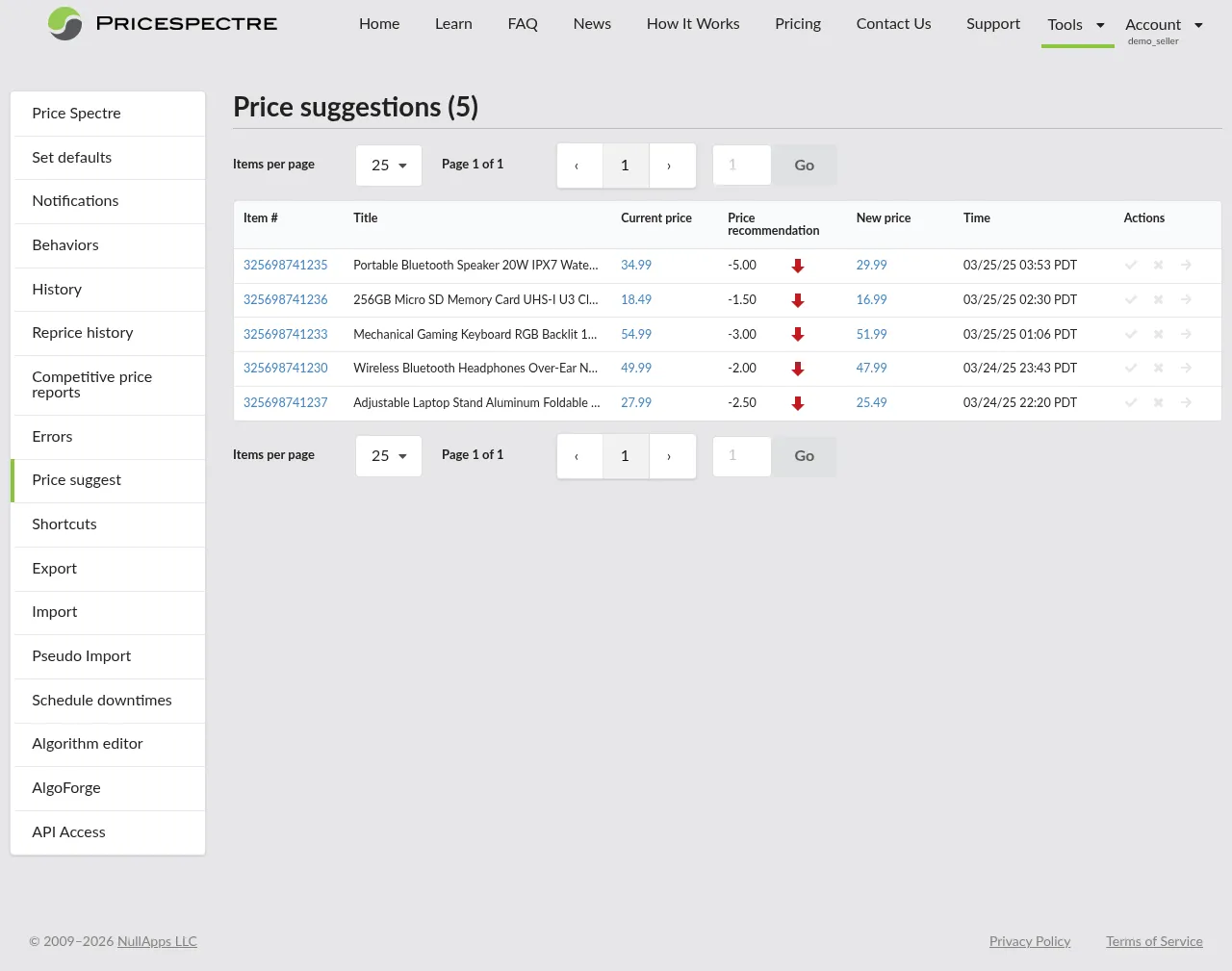
Price Suggest And Recommendation
Learn how Price Spectre's Price Suggestions dashboard and Price Recommendation detail view work together to give you a human-in-the-loop pricing workflow. Covers manual-mode listings, reading the marketplace snapshot, and accepting, declining, or setting a custom price.
Read Guide →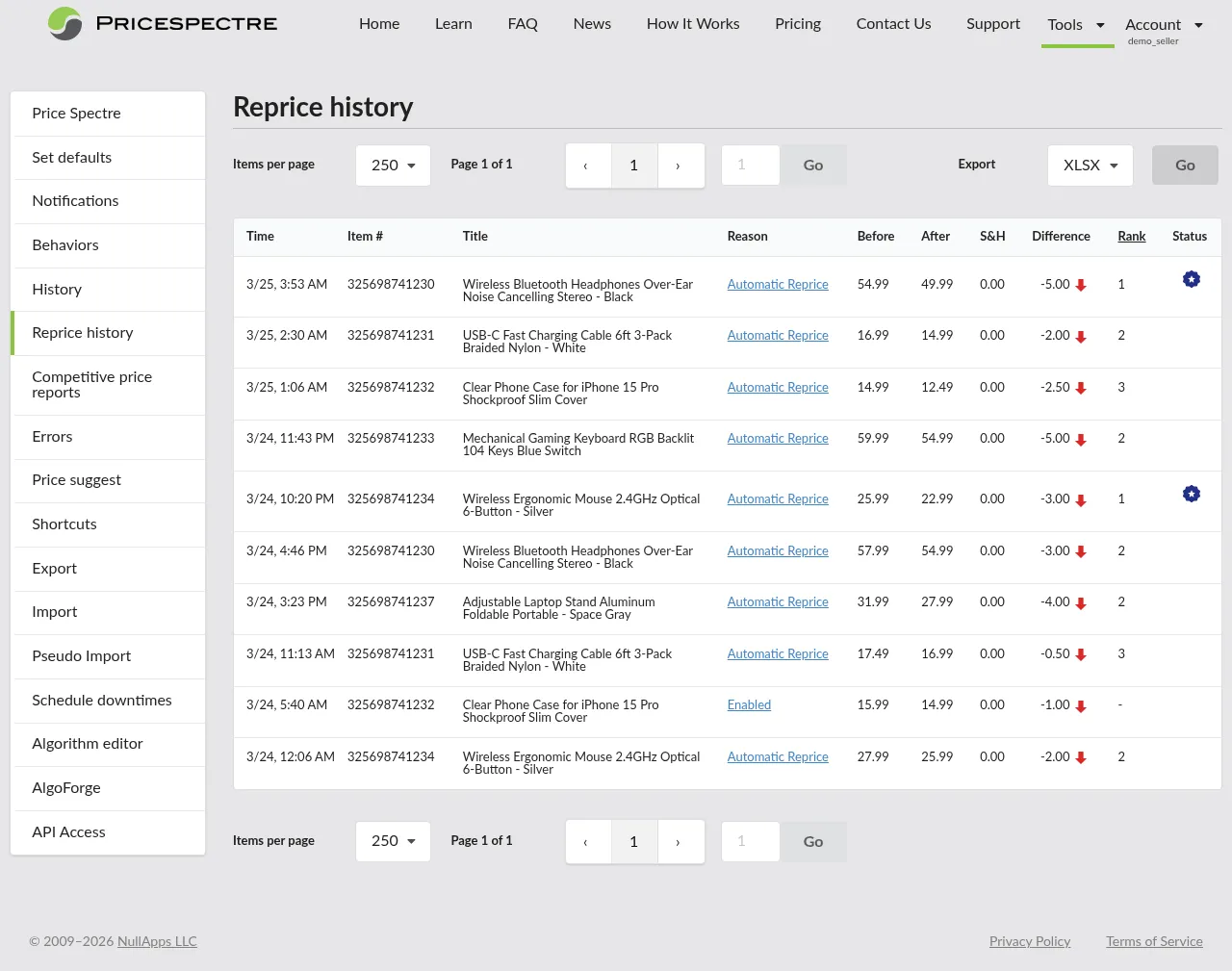
Reprice History
Learn how to read your Price Spectre reprice history, open per-item reprice records, and use the per-listing price history report — stat cards, a price-vs-competitor chart, and a filterable reprice-event list — plus how to interpret status flags like floor reached, ceiling reached, no competitors found, and lowest price.
Read Guide →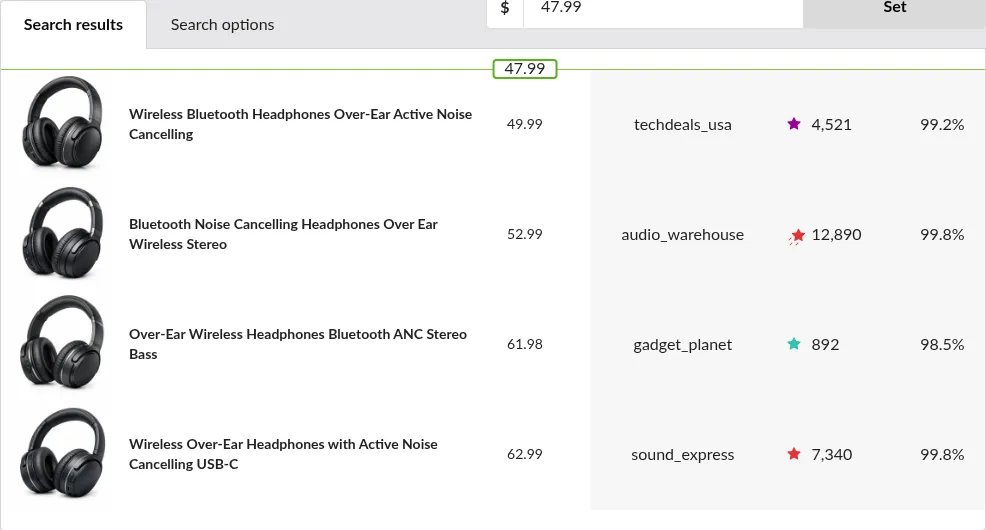
Search Console Simulation
Learn how to use Price Spectre's Search Console to see a listing's live competitor set, tune search filters, and read the candidate price that a reprice would apply right now.
Read Guide →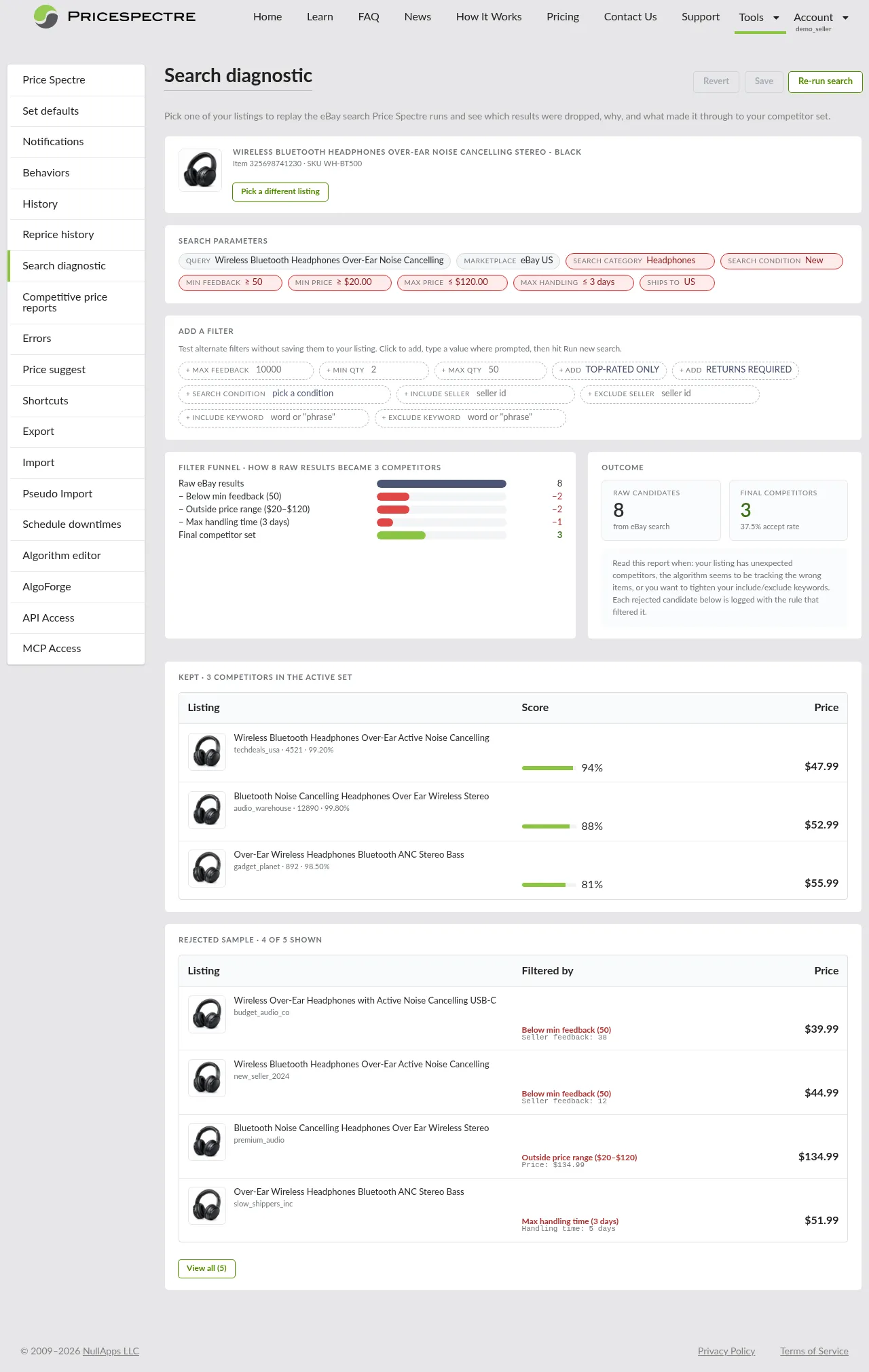
Search Diagnostic
Learn how to use Price Spectre's Search Diagnostic to see which listings were kept, which were rejected, and exactly which filter rule dropped each one. Covers the listing picker, search-parameter chips, the filter funnel, the kept and rejected tables, and tuning filters in place with Save and Revert.
Read Guide →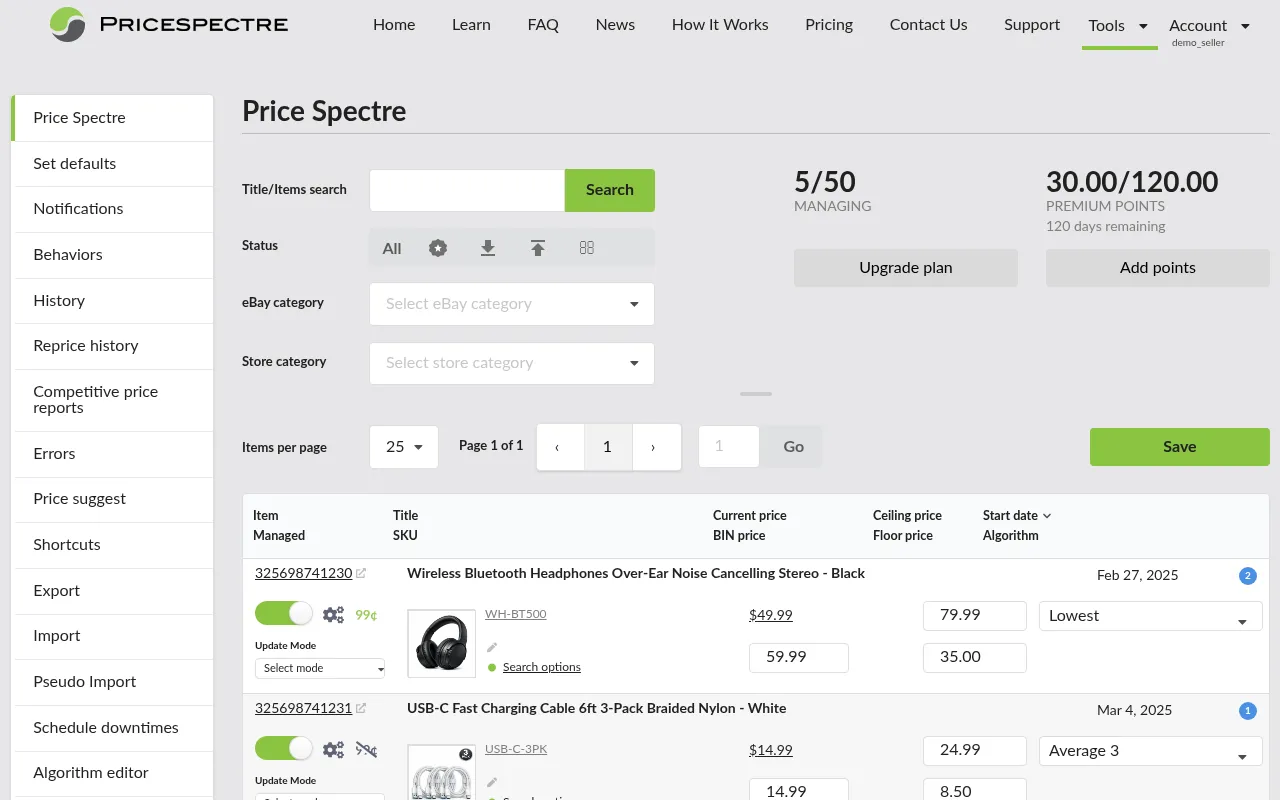
Tutorial
Step-by-step guide to using Price Spectre: link your eBay account, configure repricing algorithms, set floor and ceiling prices, and automate your pricing strategy.
Read Guide →Data Management
Import And Export
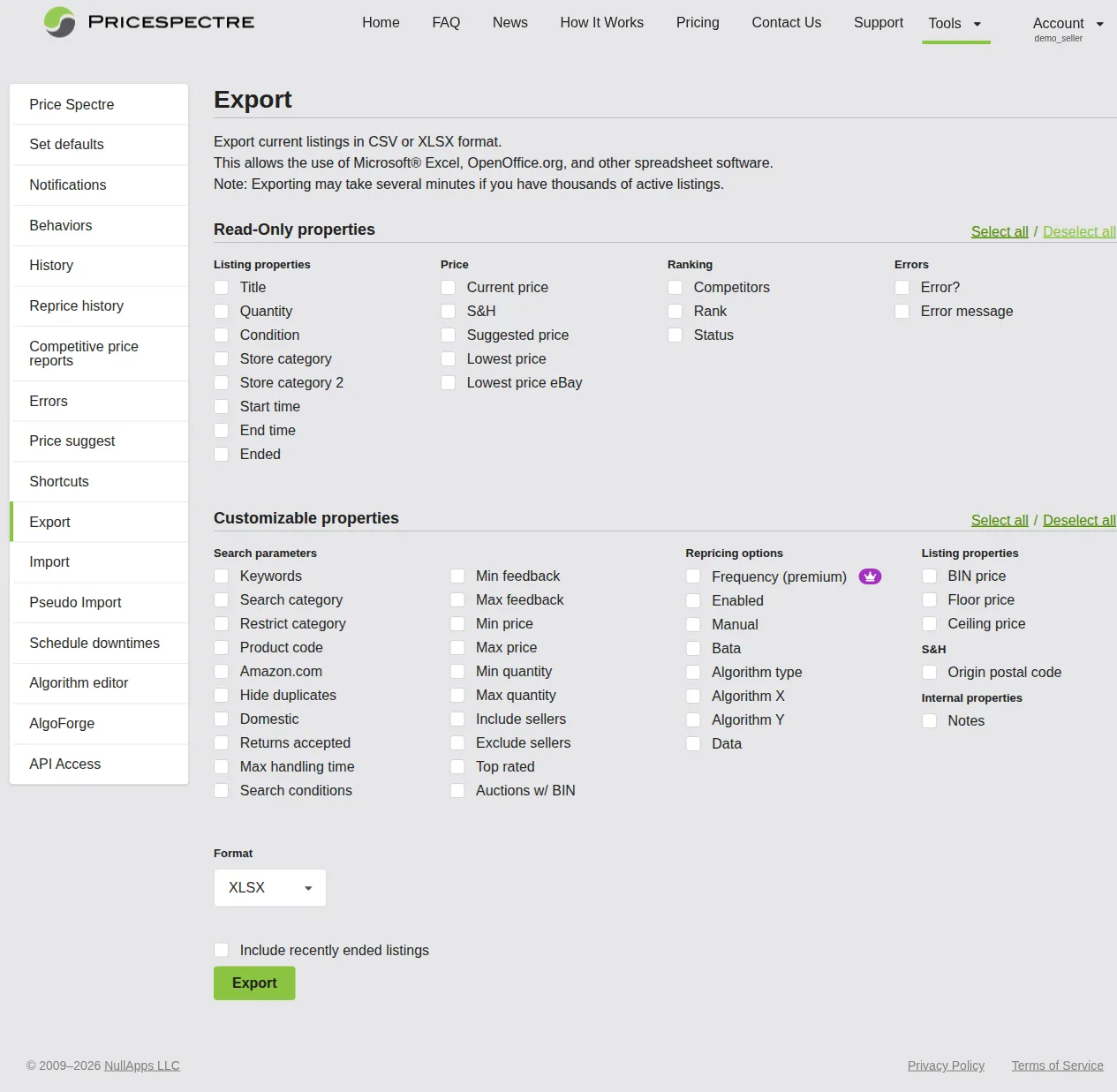
Learn how to export your Price Spectre listings, edit settings in a spreadsheet, and import changes back in bulk. Covers file formats, field references, and best practices.
Read Guide →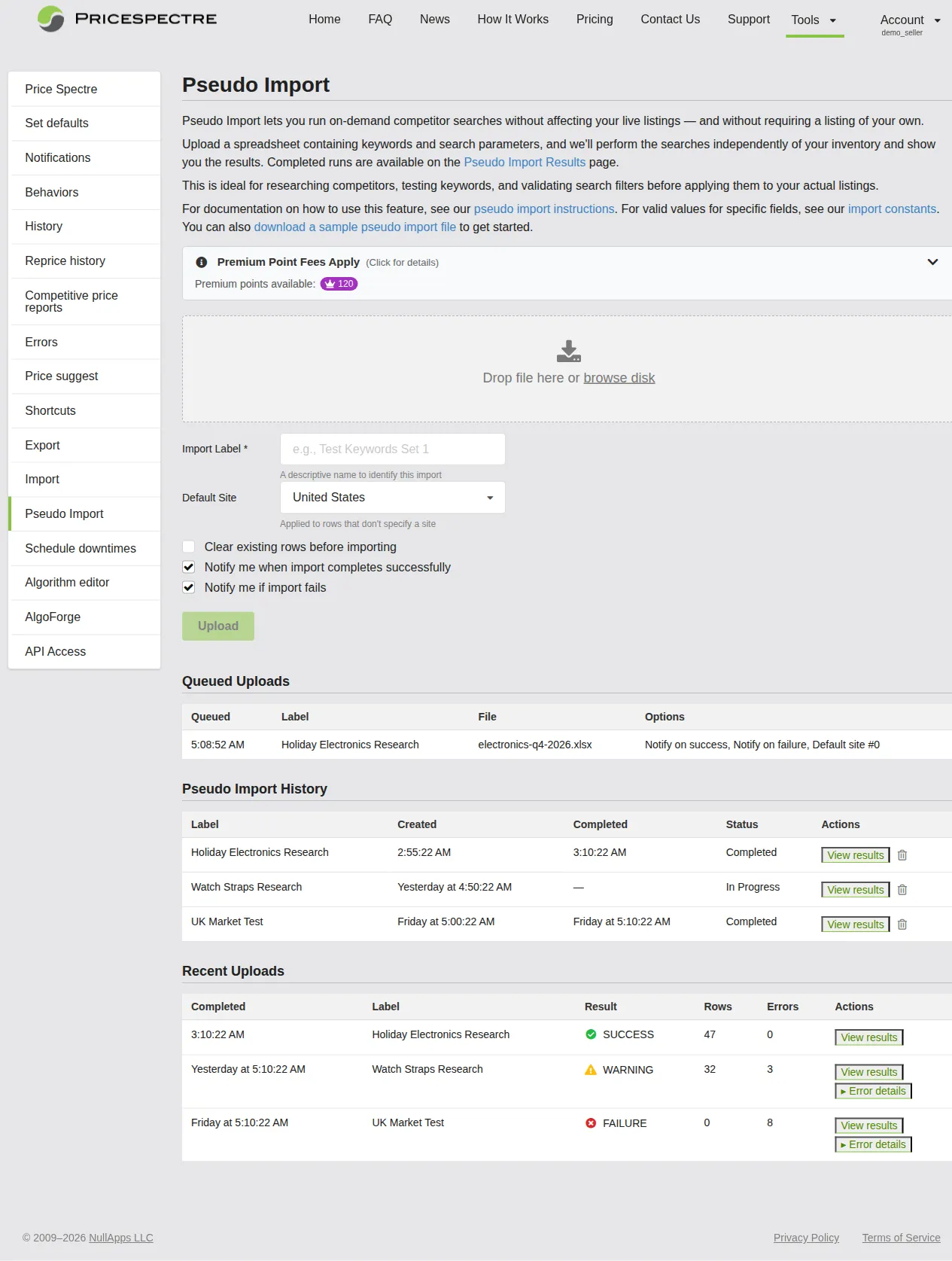
Pseudo Import
Learn how to use Price Spectre's Pseudo Import feature to run bulk competitor searches without eBay listings. Covers spreadsheet setup, uploading, viewing results, and exporting data.
Read Guide →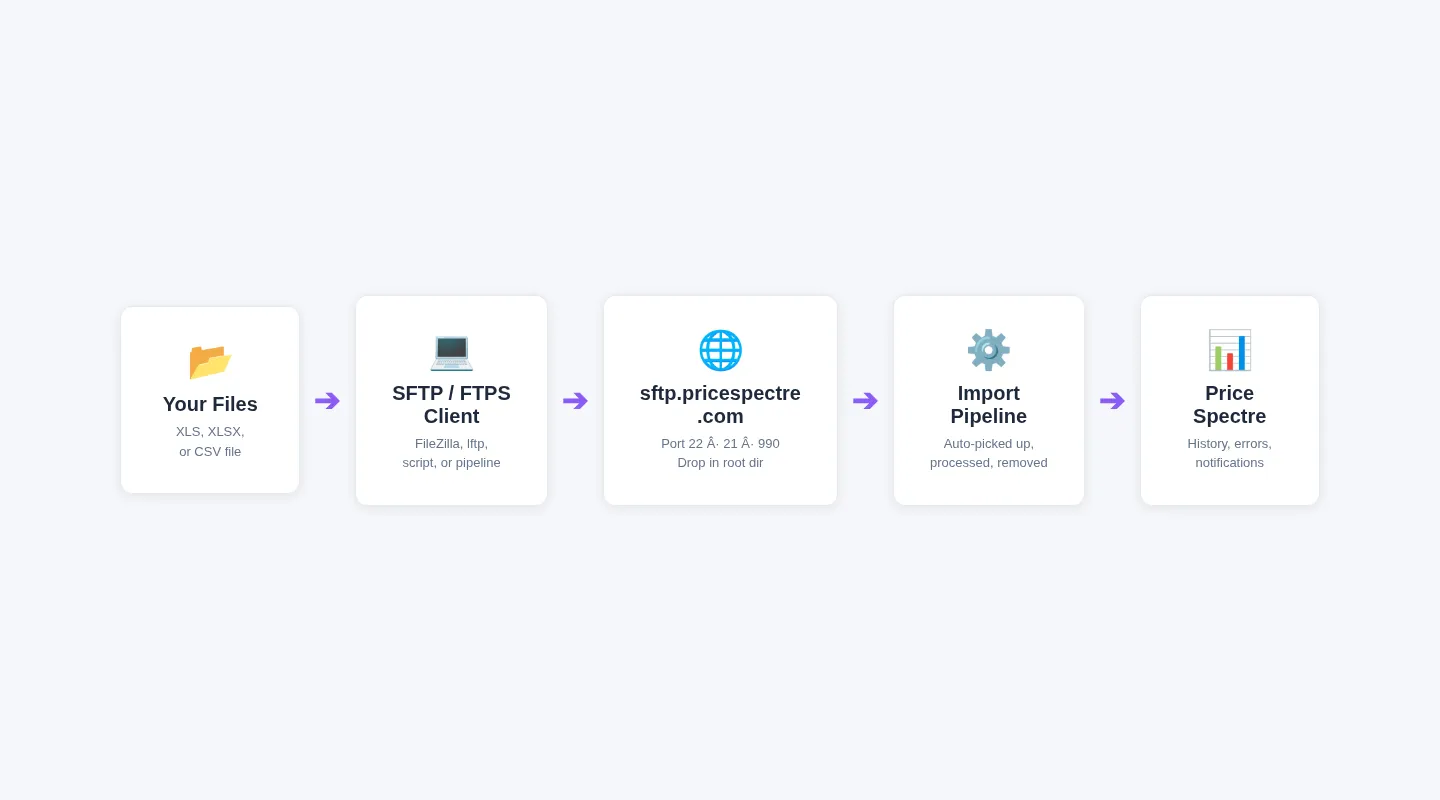
Sftp Uploads
Learn how to upload Price Spectre import files over SFTP or FTPS at sftp.pricespectre.com. Covers server details, implicit and explicit FTPS modes, authentication, FileZilla and command-line examples, and troubleshooting.
Read Guide →Advanced Topics
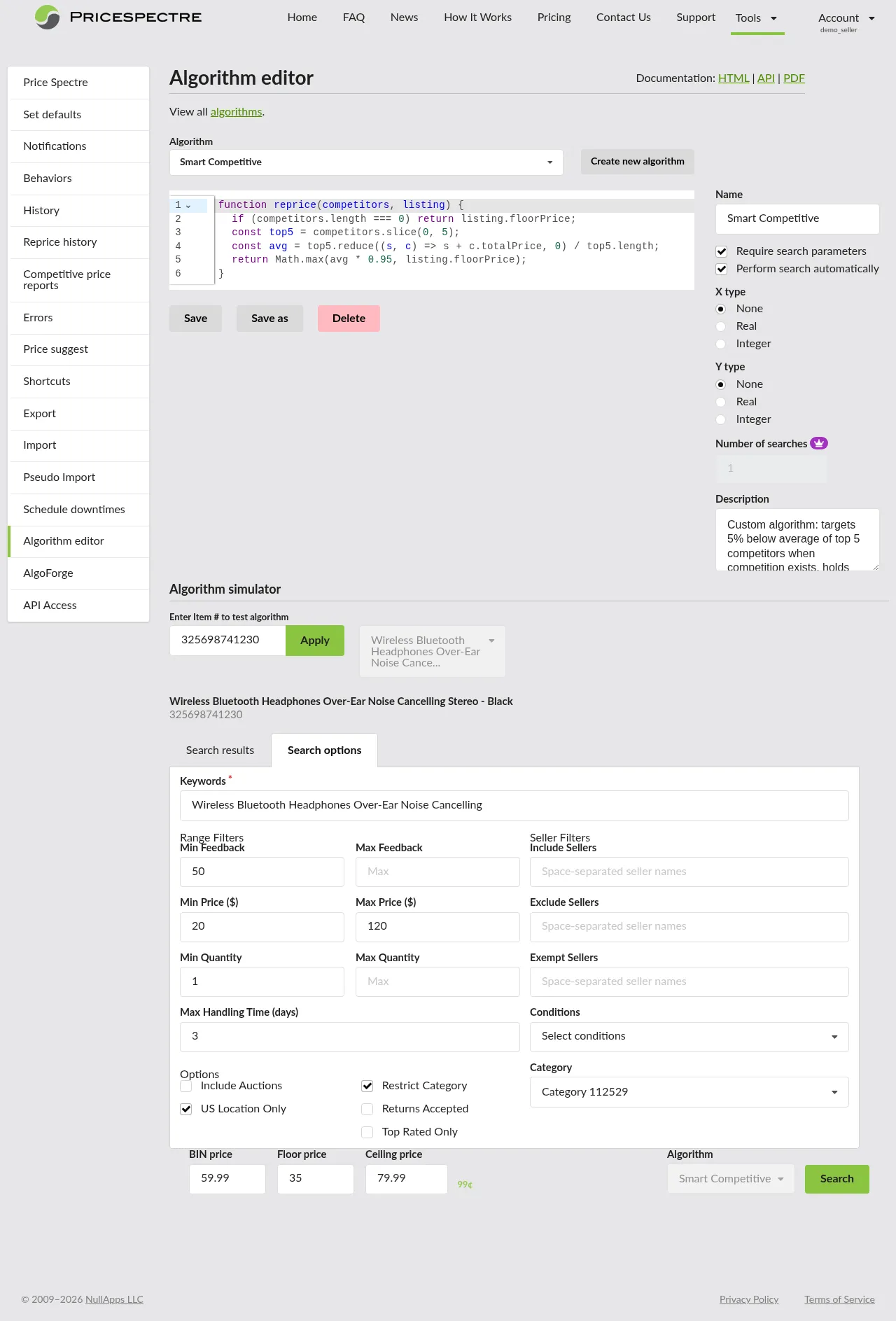
Algorithm Editor
Learn how to write custom repricing algorithms in Price Spectre using JavaScript. Covers the Algorithm Editor, PS API reference, sample scripts, AlgoForge AI assistant, and debugging techniques.
Read Guide →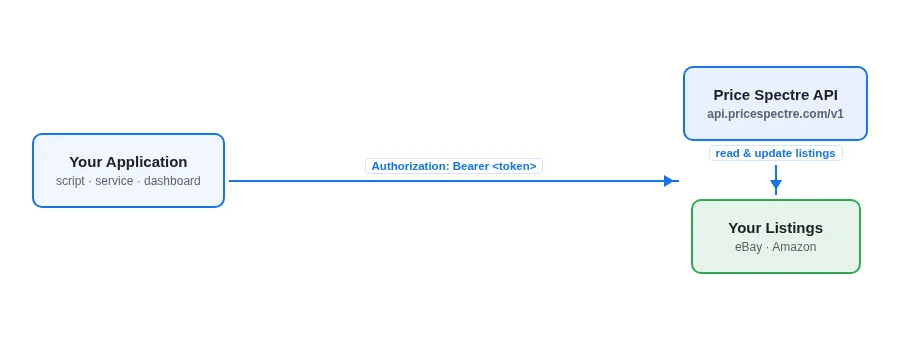
Api Access And Token Management
Learn how to generate, name, rotate, and revoke Price Spectre API tokens, and how to call the v1 Listings API with bearer-token authentication. Covers the API Access page, token limits and expiration, partial listing updates by SKU or item number, and best practices for production integrations.
Read Guide →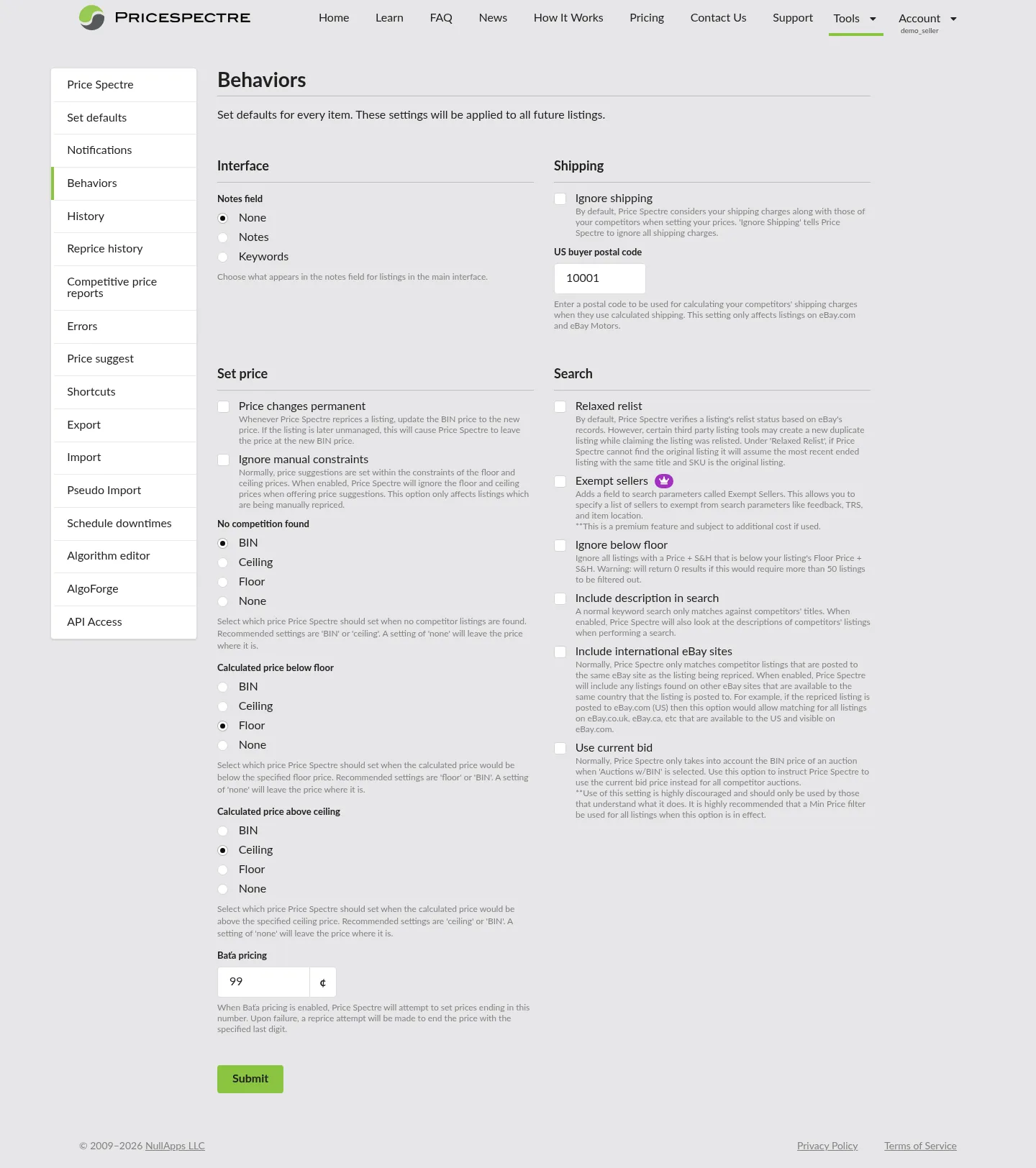
Behaviors And Repricing Frequency
Learn how to tune Price Spectre's repricing cadence and configure account-wide Behaviors. Covers Standard vs. Premium repricing, choosing a cadence, the Behaviors page, ignoring shipping costs, permanent price changes, Baťa pricing, and fallback rules for no competitors found, below floor, and above ceiling.
Read Guide →
Competitive Price Reports
Learn how to generate, download, and read Price Spectre competitive price reports in PDF, CSV, or XLSX format. Covers report controls, the daily PDF limit, status tracking, downloading and reading reports, and workflow recipes for strategy-focused eBay sellers.
Read Guide →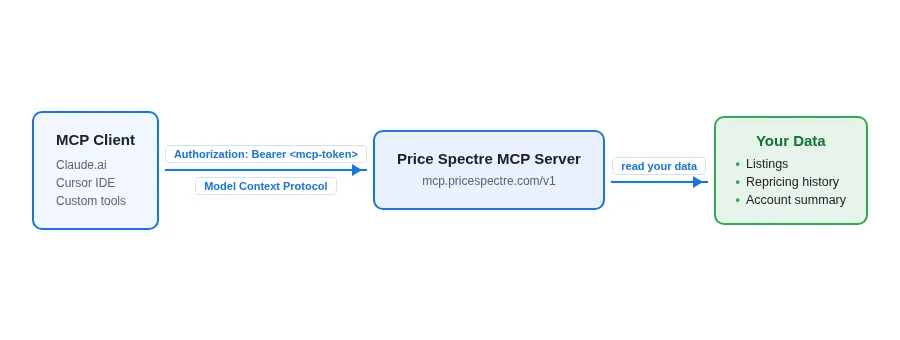
Mcp Server Access And Tokens
Learn how to connect MCP-compatible clients such as Claude.ai to Price Spectre's MCP server. Covers the stable /v1 and rolling /mcp endpoints, Dynamic Client Registration, manual token generation at /tools/mcp_access, read-only scopes (listings:read, repricing:read, account:read), rotation, revocation, and best practices.
Read Guide →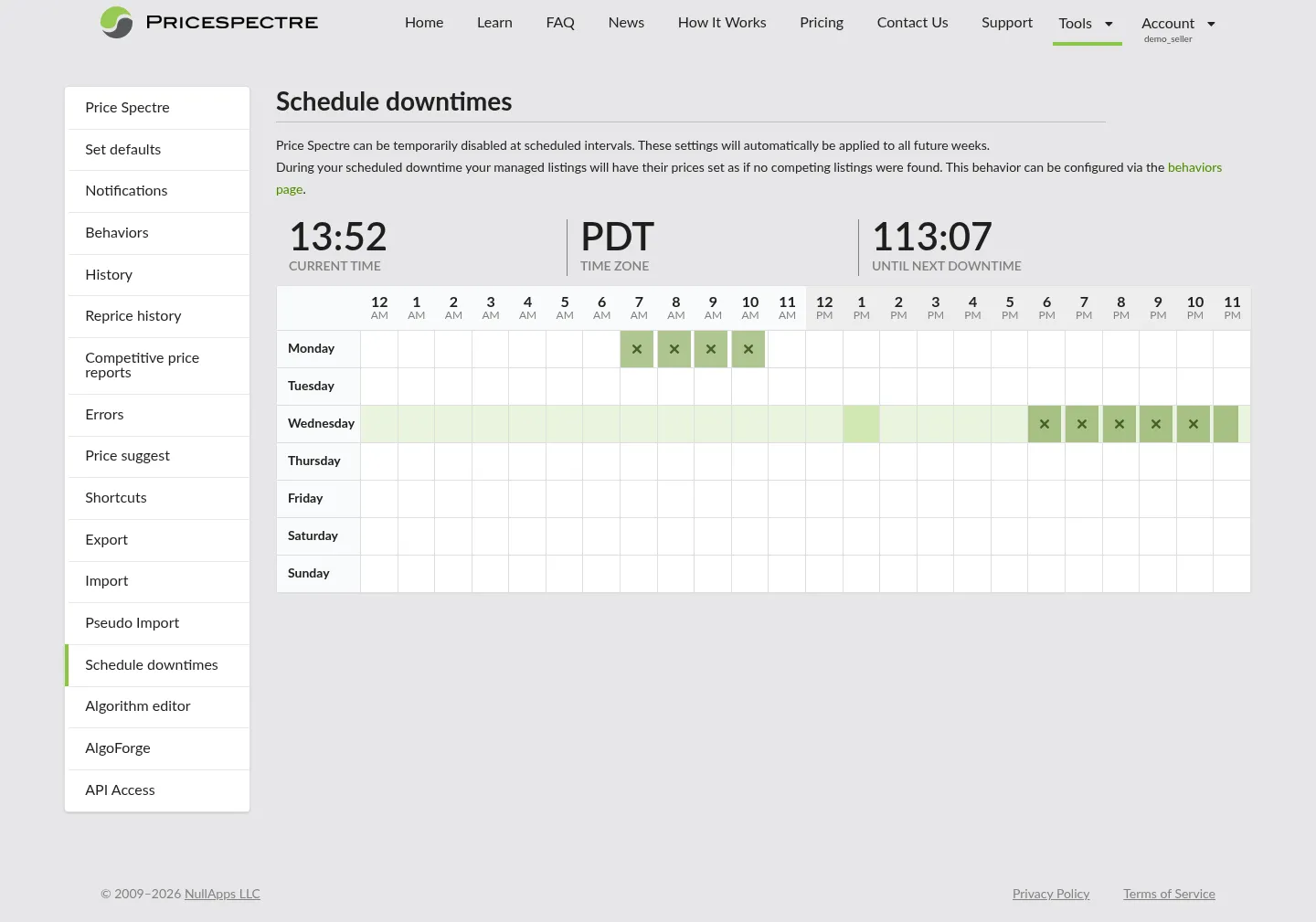
Schedule Downtimes
Learn how to pause Price Spectre repricing during sales, audits, holidays, and off-hours using the Schedule Downtimes calendar. Covers weekly-recurring downtime rules, the relationship to the No Competition Found behavior, and using BIN-reset downtimes to break out of repricing wars.
Read Guide →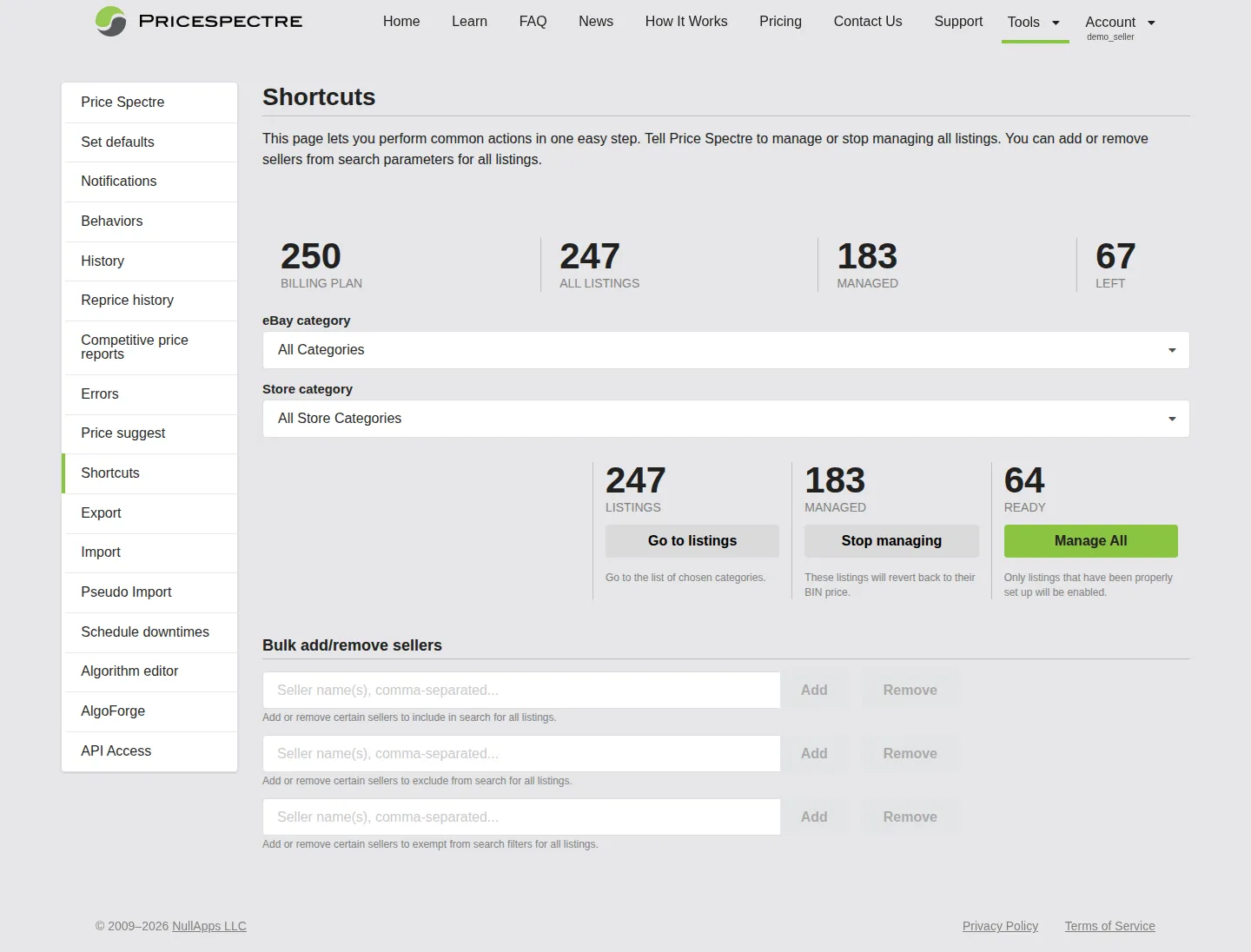
Shortcuts And Power User Workflows
Learn how to manage thousands of Price Spectre listings efficiently. Covers the Shortcuts page for bulk manage and seller list changes, inline edits in the Price Spectre search results, sortable columns, status-flag filters, shareable filtered URLs, and recommended power-user workflows.
Read Guide →ACCOUNT MANAGEMENT
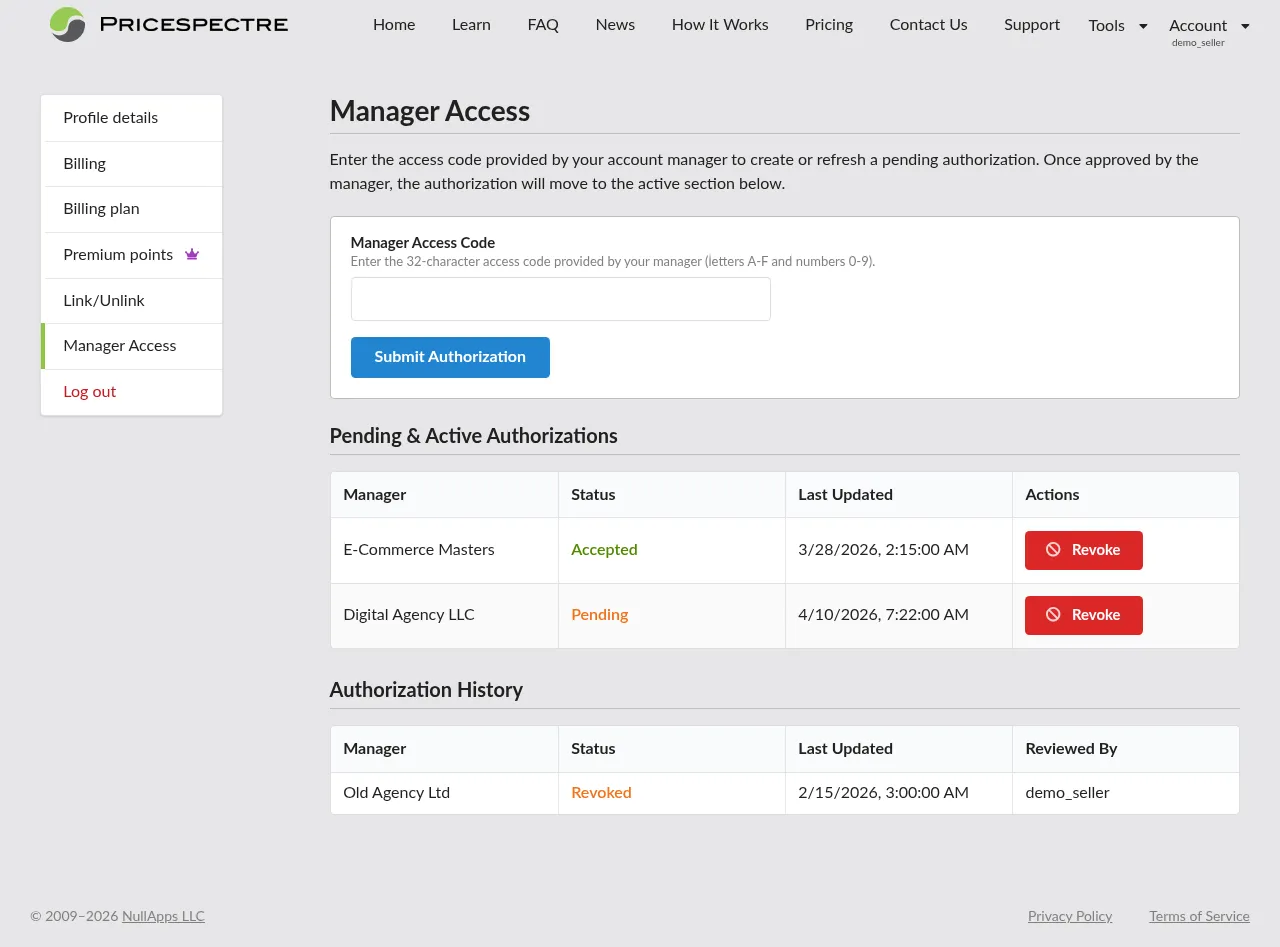
Manager Access
Learn how to grant a manager account access to your Price Spectre account. Covers entering your manager's public ID, reviewing pending and active authorizations, and revoking access.
Read Guide →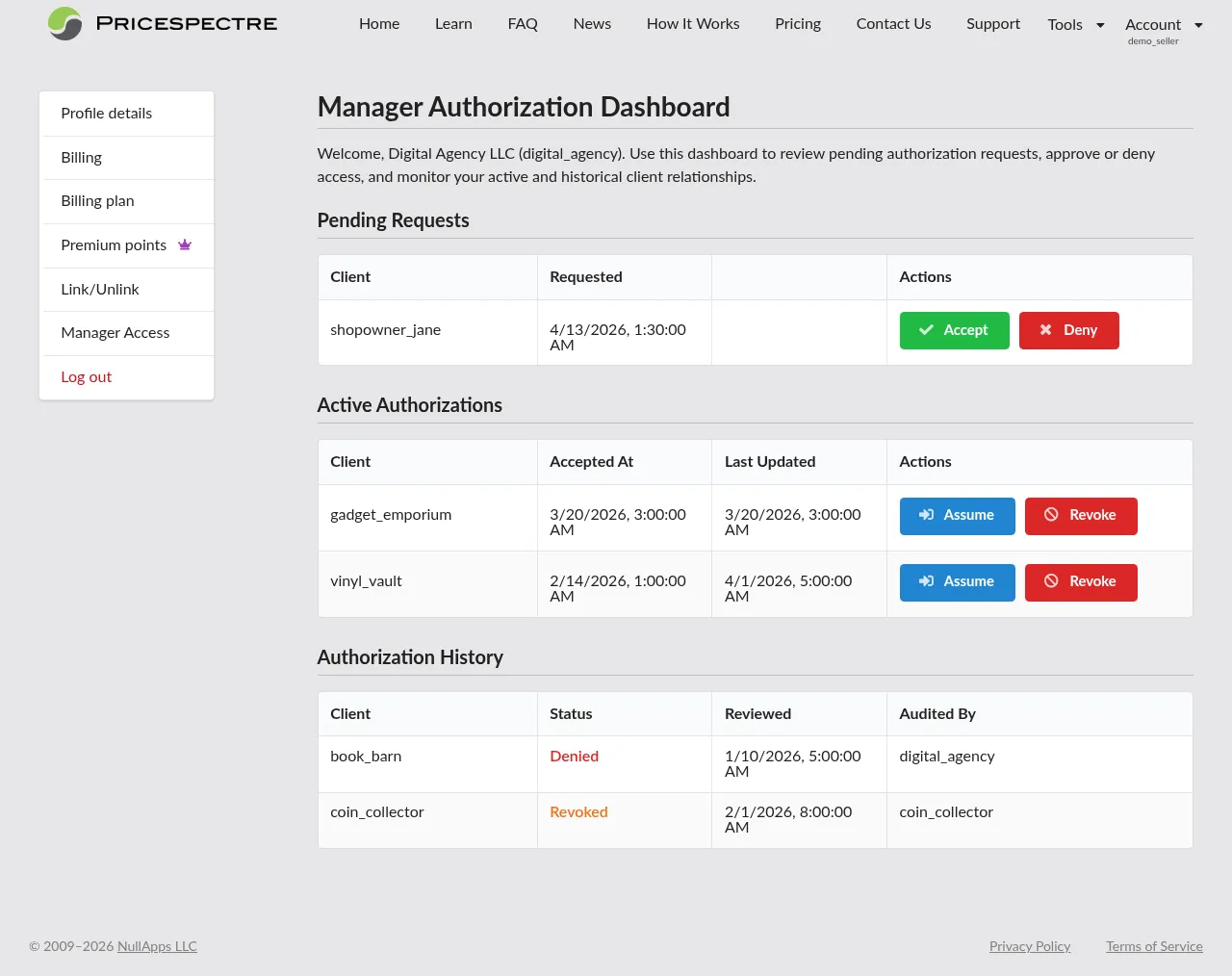
Manager Dashboard
Learn how Price Spectre manager accounts work for agencies. Covers becoming a manager, sharing your public ID, approving or denying client requests, signing in to client accounts, and revoking access.
Read Guide →